

Approvals
A tool call is waiting for your permission.
 moriblink
Early access
moriblink
Early access
For people who run coding agents
MoriBlink is a native Mac app that follows every coding-agent session, tells you the moment one needs you, and shows where a slow run spent its time.

Real app screen · sample project · Try it: click Mori, or the message
Follows the agents you already use
01 — Sessions
Every session in one list: what it is working on, how long it has run, and whether it is waiting for you. No more tab-hopping to find the one that stopped.
A tool call is waiting for your permission.


The agent asked something and cannot continue.


The work is finished and ready for review.


A step failed. Open the run to see which one.
Mori comes to you. Mori appears in the middle of the display you are using, says what needs you, and then leaves.
Click Mori to jump in. MoriBlink opens the matching session, so you can answer straight away.
Not now? Click the message to dismiss it. Quiet hours, snooze, and Focus keep routine visits away.
02 — Waterfall
Open a run and see every operation on one shared time axis: file work, builds, tests, and the time it waited for you. Overlapping work is not counted twice.


The waterfall shows recorded intervals and results. It gives your investigation a starting point. It does not prove the cause of a delay by itself.
03 — Around the work

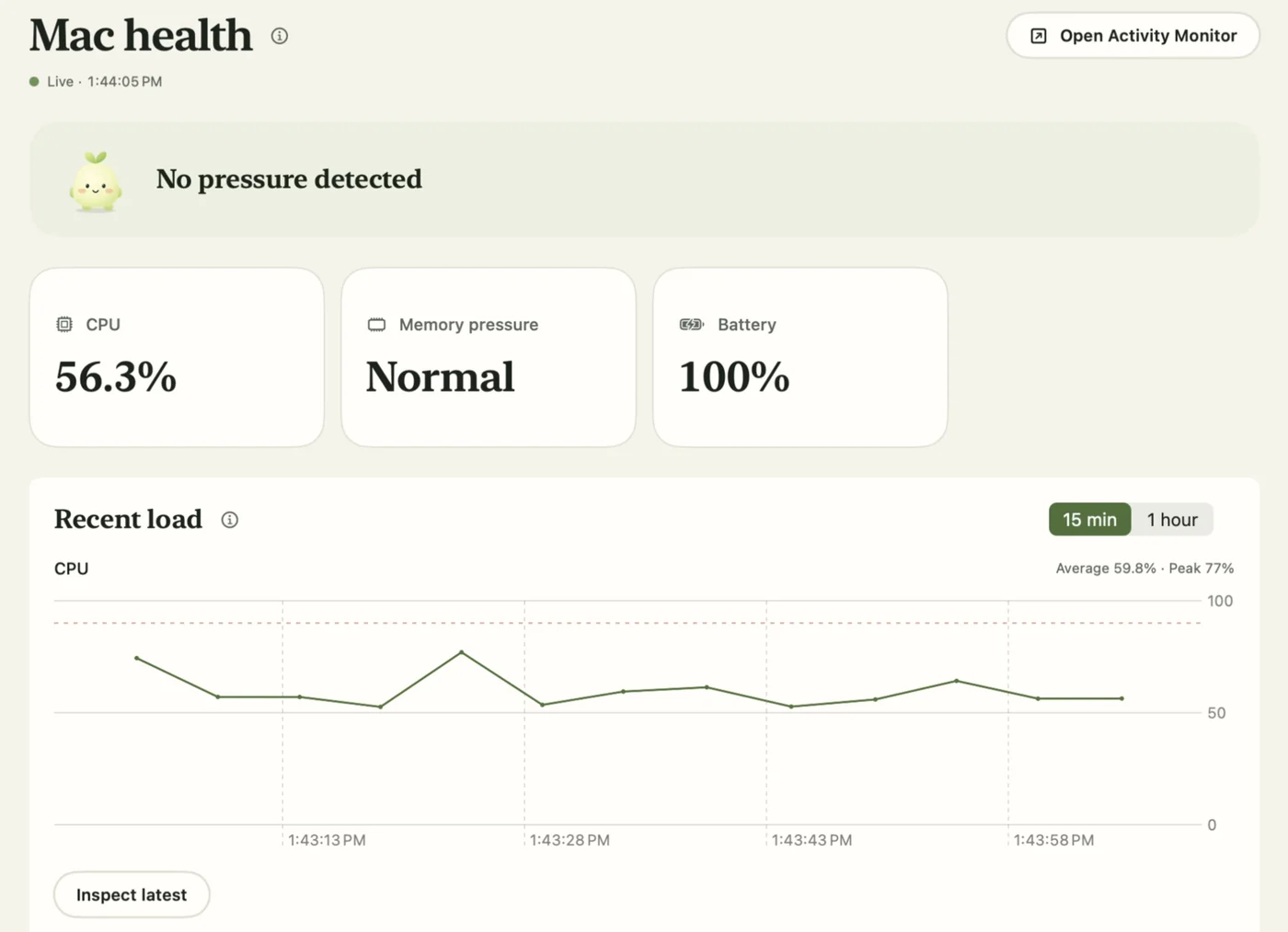
CPU, memory pressure, and battery for your whole Mac, with an alert when it is under strain.
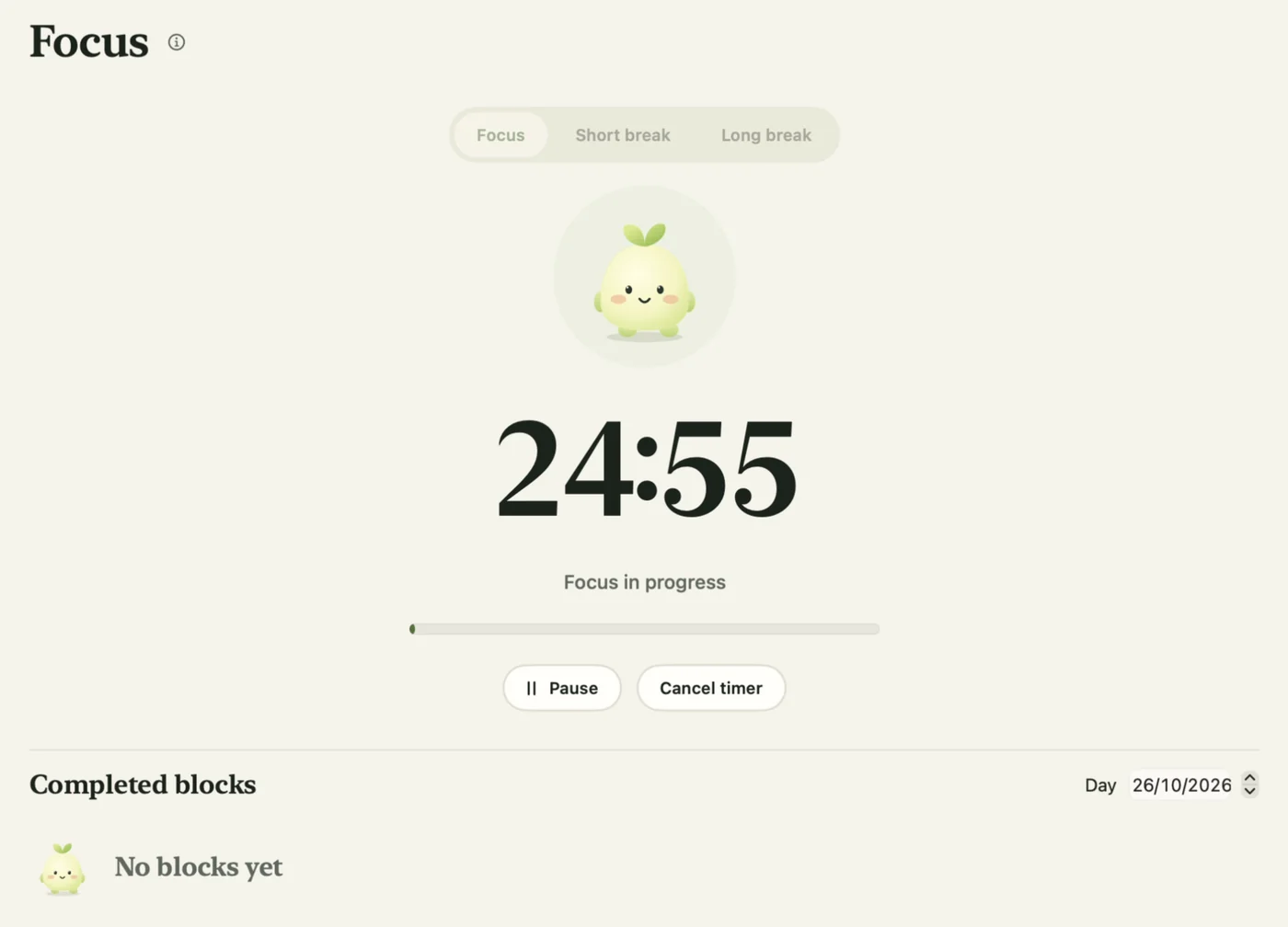
Set a work or break timer. Routine visits stay quiet until you are done.
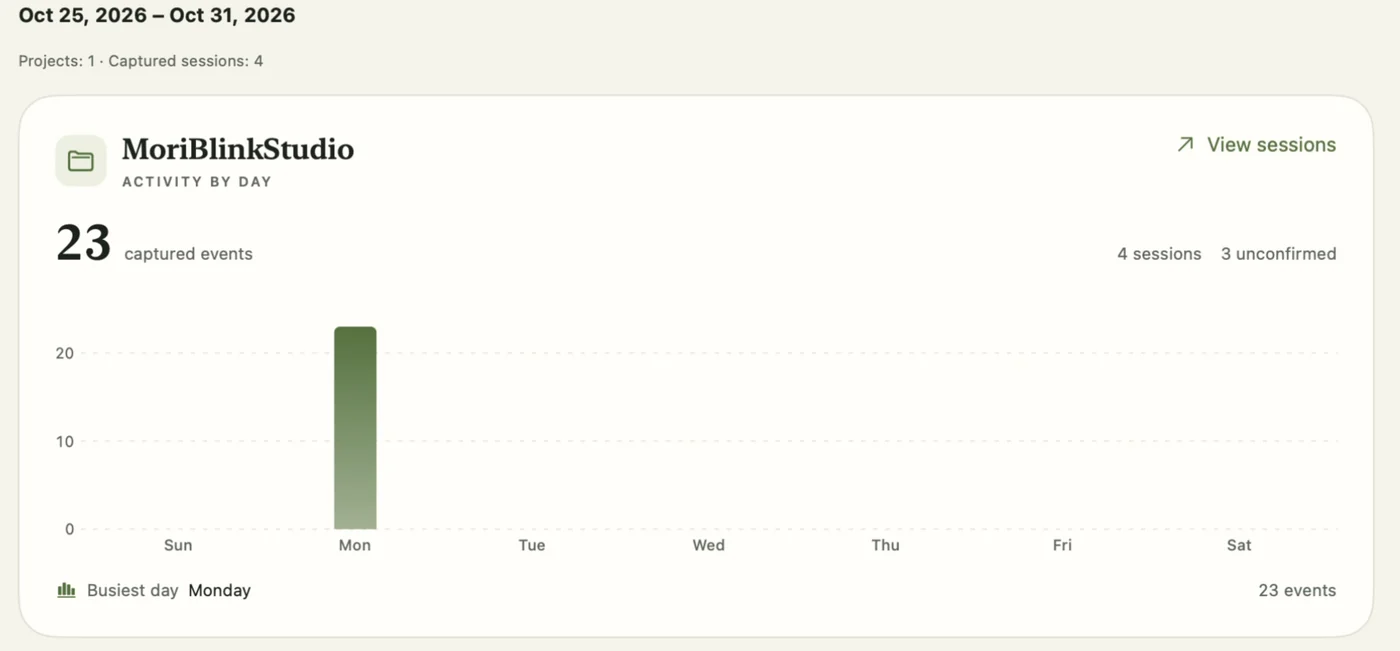
See captured project activity by day or week, and open the sessions behind it.
Mac health readings describe the whole Mac. They do not assign CPU or memory use to one agent session.
04 — Meet Mori
Mori is the little guardian of your Mac. Mori blinks, waits quietly, and shows up only when something deserves your attention. Pick a mood to see when Mori visits.
Just keeping watch. Nothing needs you right now.
A native Mac app for people who run coding agents. It tracks your sessions, tells you when one needs approval or an answer, and shows recorded timing in an execution waterfall. Mac health, Focus, and the work journal are extras.
OpenCode has live observation. Claude Code and Codex are supported through hook previews. You choose and approve each project. The amount of timing detail depends on the agent, its version, and what it records.
It helps you find out. You can see long tool calls, approval waits, overlapping work, failures, and command details. A timeline does not always prove the cause of a delay, and gaps in the record stay marked.
No. CPU, memory pressure, and battery readings describe the whole Mac. They give context, but they do not measure one session.
Mori visits only for eligible approvals, questions, completions, failures, and health alerts, and then leaves. Click the message to dismiss it. You can set quiet hours, snooze visits, or turn them off in Settings.
A Mac with macOS 14 or later, and at least one supported coding agent.
No. Passive capture leaves out prompts, conversation transcripts, file contents, and successful tool output. It records approved session and tool metadata, such as timing, tool names, and exit codes, and keeps that history on your Mac.
Each agent can run a command when it asks for permission or finishes a turn. Our guides show the exact setup for Claude Code, Codex, and OpenCode. MoriBlink does this for every connected session in one place.
Not yet. MoriBlink is in early access. Send us an email from the early-access section, and we will tell you when the signed download is ready.
06 — Guides
Free setups for each agent that work without MoriBlink, with exact config files and commands.
MoriBlink is almost ready. Send us an email, and we will tell you when you can download it.
Notify meRequires macOS 14 or later.
